BuyEbooks.Store guide
Self-hosting n8n: what actually breaks first
The outages that show up after the Docker one-liner: webhooks, disks, timezones, updates, and email you never receive.
2026-04-02 · 10 min read
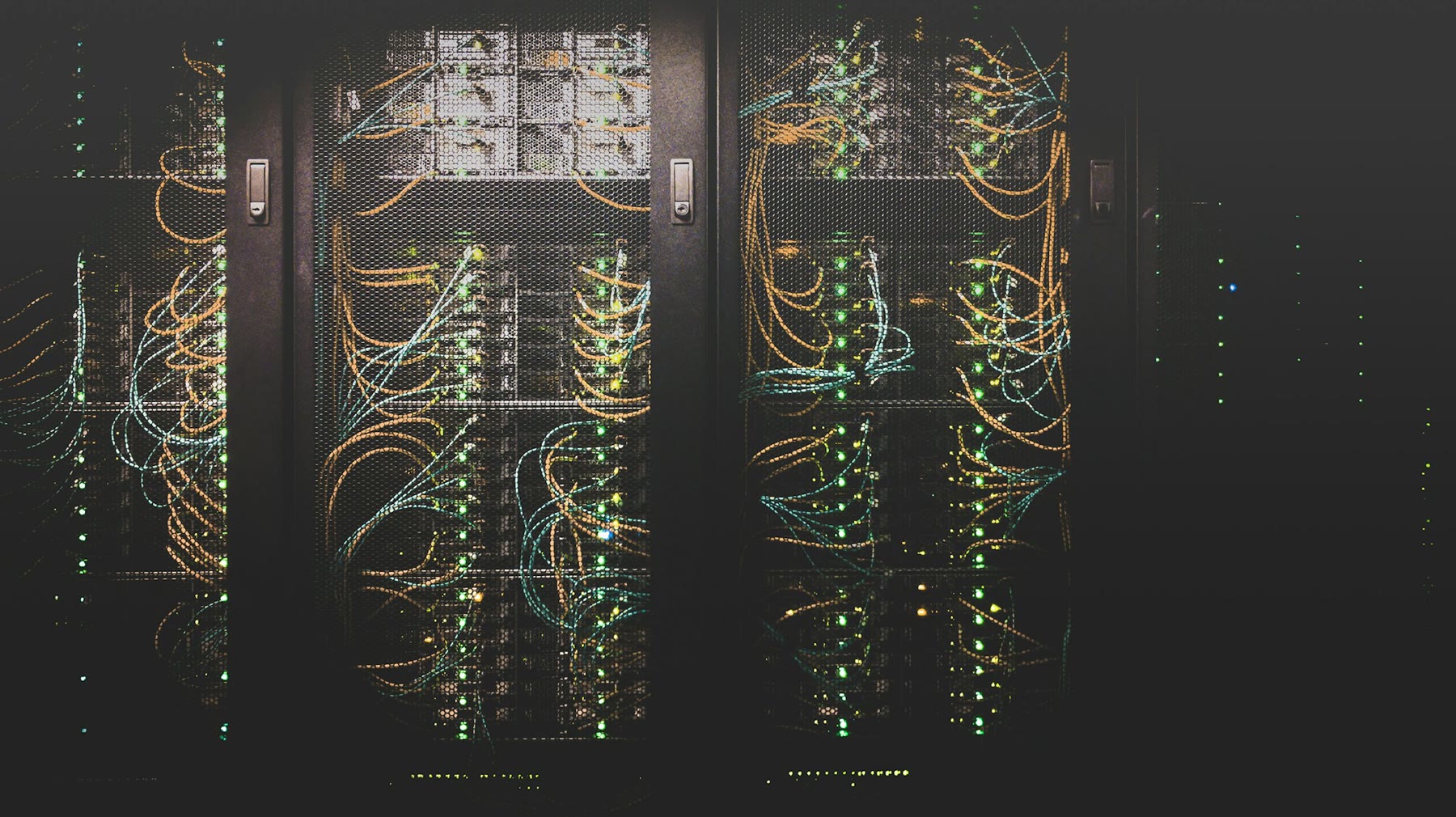
The install is the easy part. A Docker Compose file, a domain, a TLS certificate, a login, and you have a working editor. Two weeks later a form stops creating rows and you have no idea whether n8n is down, the webhook never arrived, or Gmail silently rejected the message. Self-hosting n8n is less about Linux heroics and more about a short list of parts that fail in predictable ways.
This guide assumes a small VPS, Docker, one domain, and you as the only operator. It is not a HA playbook. If you need that, pay for n8n Cloud until the revenue justifies the ops work.
Webhooks vanish behind the proxy
Most “n8n is broken” tickets are webhooks. The editor shows a URL. The form posts to that URL. Nothing happens. Common causes: the reverse proxy (Caddy, Nginx, Cloudflare) is not forwarding the path; WEBHOOK_URL in the environment does not match the public URL; HTTP is still being advertised while the box only serves HTTPS; or Cloudflare’s orange-cloud proxy is challenging POST requests.
Fix it in this order. Set WEBHOOK_URL to the exact public origin, including https, with no trailing path surprises. Confirm the proxy forwards /webhook/ and /webhook-test/ without stripping the rest of the path. Send a curl POST to a test webhook from outside the server, not from the container. If Cloudflare is in front, try DNS-only while you debug, then put a WAF exception on the webhook path. Until an external curl returns 200 and an execution appears, do not touch the rest of the workflow.
The disk fills up and the editor looks “fine”
n8n stores execution data. Binary files from email attachments, PDFs, and screenshots pile up. SQLite (the default) grows. Docker logs grow if you never set a log rotation. The symptom is not always a clean “disk full” in the UI. You get slow saves, failed executions with vague errors, or a container that restarts and looks healthy for ten minutes.
Give the VPS more disk than you think. 20 GB is tight once you keep execution history. Set N8N_PAYLOAD_SIZE_MAX and prune executions: keep errors longer than successes. If you do not need two months of successful runs, do not store two months of successful runs. Put Docker log rotation in daemon.json. Back up the volume to object storage on a schedule, then check that the backup file is not zero bytes.
Timezones and “it ran twice”
Cron nodes use a timezone. The container uses a timezone. Your invoice tool uses a timezone. If those three disagree, a daily job runs at 6:30 instead of 9:00, or it runs twice around a DST change. People then add a second schedule “to be safe,” which is how you double-email a client.
Pick one timezone for the business, usually the one on your invoices, and set GENERIC_TIMEZONE and TZ to that value. Write the timezone in the workflow notes. When you test a schedule, pin a timestamp and read it. Do not assume “0 9 * * 1” means Monday 9am in the city you live in unless you have verified it.
Credentials, env vars, and the update that wipes them
Credentials are encrypted with a key. If N8N_ENCRYPTION_KEY is missing, n8n generates one. If you recreate the container without persisting that key, every credential looks present and decrypts to garbage. The UI still shows “Gmail account.” The next run fails with an auth error that looks like Google’s problem.
Put N8N_ENCRYPTION_KEY in a file that is backed up. Persist the n8n data volume. Do not treat “docker compose pull && up -d” as a complete update plan. Read the release notes for breaking changes, snapshot the volume, then update. After an update, run one workflow that uses email, one that uses a webhook, and one that uses a schedule before you close the laptop.
Email you think you sent
Transactional email from a VPS is a graveyard. Port 25 is blocked. The IP has no rDNS. Gmail puts you in spam. SMTP credentials for a transactional provider work in a test node and fail in production because the “from” address is not verified.
Do not send business mail from the VPS’s postfix. Use a transactional provider (Postmark, SES, Resend, or whatever you already pay for) with a verified domain. Log the provider’s message id in the workflow. If you cannot find that id, you did not send the email, no matter what the node’s green checkmark said.
One process, then the queue surprise
Default n8n is a single process: editor, webhooks, and workers together. That is fine for a dozen workflows and a few hundred executions a day. It is not fine if a long binary conversion blocks webhook intake. The symptom is timeouts on forms while a heavy workflow runs.
Before you jump to queue mode, see whether the heavy work can run on a schedule instead of in the webhook path. Respond to the webhook first, then process. If you still need queue mode, you now have Redis, workers, and more moving parts. That is a real ops step. Many solo shops never need it. Do not copy a queue-mode Compose file from a blog until you have a measured bottleneck.
A minimum ops checklist
You need five things more than you need a prettier dashboard: a known-good backup of the data volume, the encryption key stored off the box, error notifications (even a single Slack or email node on the Error Trigger), a calendar reminder to update monthly, and one external uptime check on /healthz or a tiny webhook you ping from the outside.
If that list feels like too much, that is useful information. Stay on n8n Cloud until the monthly fee is obviously larger than the hours you would spend doing this. Self-hosting is a trade of money for attention. For a one-person shop, attention is usually the scarcer resource.